GH₵1,200
ThemeExclusive
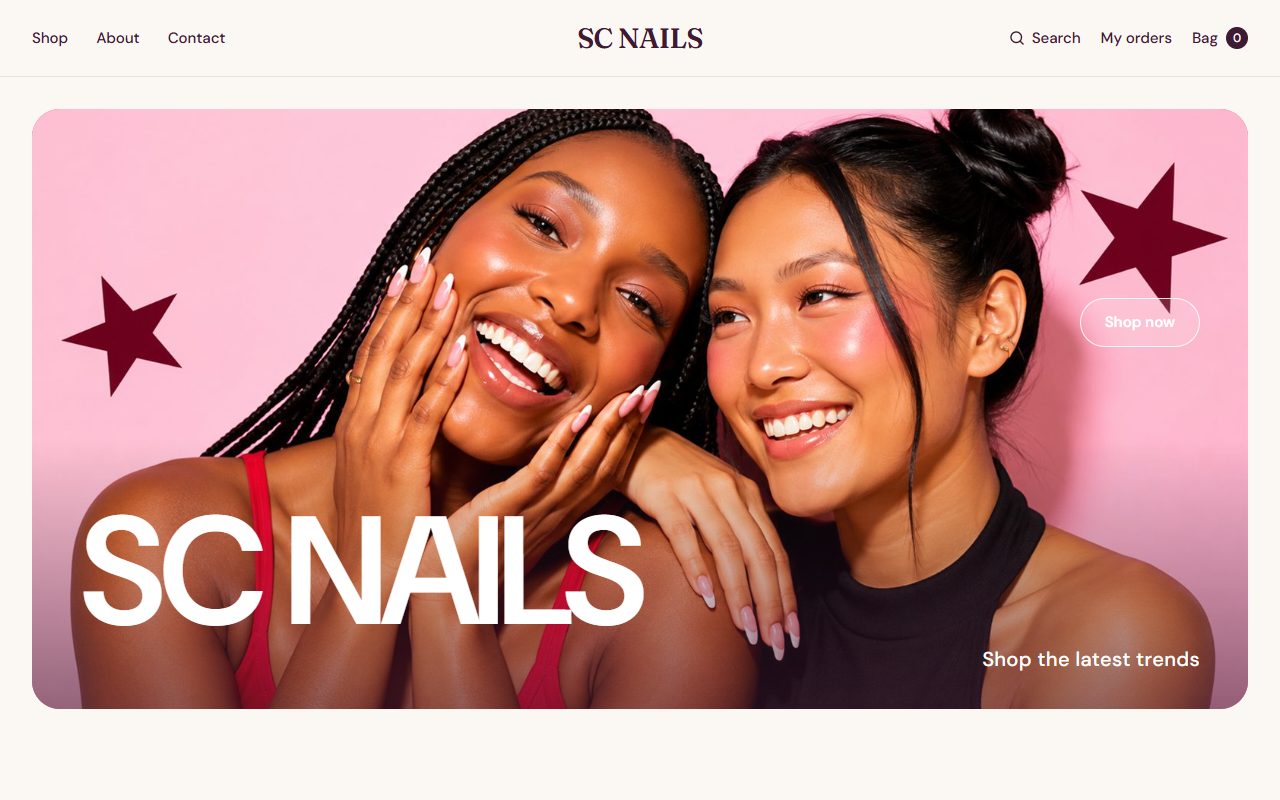
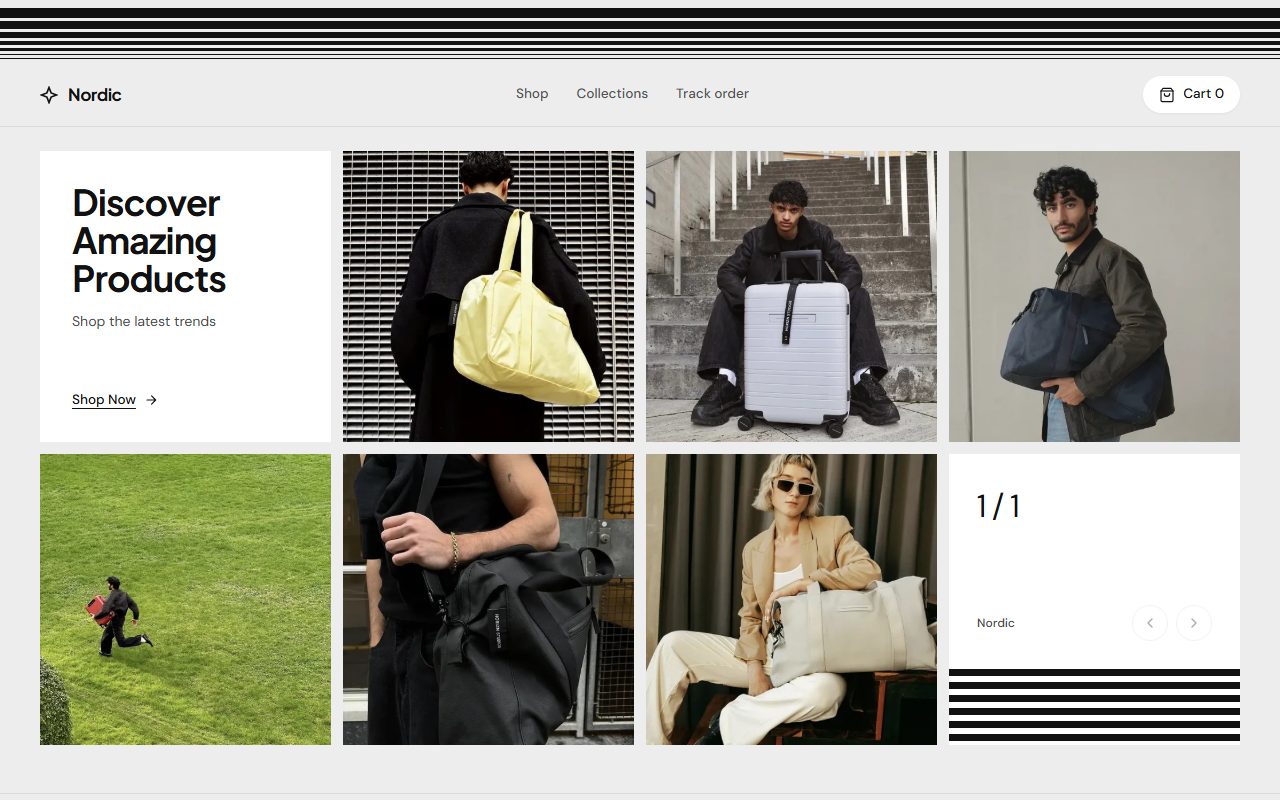
Ready-made designs for your Konect online store. Apply a theme in one click, or download a complete store built on the Konect API.
Open the live preview to see it with real products, on a computer and on a phone.
Pay with Mobile Money or card. Themes unlock for your Konect store straight away.
Apply a theme from Online store in your dashboard, or download the code and host it yourself.
For themes, yes: they apply to your Konect online store. Code templates also run on your Konect store's products, prices and orders.
No. A theme changes colours, fonts and layouts. Your products, text, images and sections stay as they are, and you can undo straight after applying.
Yes. You pay once per template. Themes stay unlocked for the store you bought them for.
A theme applies to your Konect online store in one click, with nothing to host. Code is a complete store you can change freely and host on your own domain.
Sell in your shop and online from one place, with your products, stock and orders in sync.