
Compatible Hardware for Konect POS
Discover the hardware devices that work seamlessly with Konect POS. From thermal printers to barcode scanners, we support a wide range of equipment with multiple connection options including Bluetooth, Ethernet, WiFi, and USB.
Wide Compatibility
Supports most POS hardware
Multiple Connections
Bluetooth, WiFi, Ethernet, USB
80mm Default
Standard thermal receipt size
Easy Setup
Plug and play installation
Connection Types
Choose the right connection type for your business needs and setup requirements
Bluetooth
Wireless connection for portable devices
Advantages
- Portable
- No cables
- Easy setup
Considerations
- Limited range
- Battery dependent
Best for: Mobile POS, tablet setups
Ethernet
Wired network for maximum reliability
Advantages
- Most reliable
- Fast
- Secure
Considerations
- Requires cable
- Less flexible
Best for: Fixed POS stations, main terminals
WiFi
Wireless network for flexibility
Advantages
- No cables
- Good range
- Multiple devices
Considerations
- Network dependent
- Setup required
Best for: Multiple devices, flexible layouts
USB
Direct connection for simplicity
Advantages
- Plug and play
- Reliable
- Power supply
Considerations
- Limited length
- Not portable
Best for: Single device setups, desktop
Compatible Hardware
Browse our recommended hardware devices that work perfectly with Konect POS

POS Terminal
POS Devices
All-in-one point of sale terminals with integrated touchscreen, payment processing, and receipt printing
Popular Brands
Key Specifications
- 15-17 inch touchscreen display
- Built-in thermal printer (80mm)

Tablet POS
POS Devices
Tablet-based POS systems with separate receipt printers and payment terminals
Popular Brands
Key Specifications
- 10-12 inch tablet (iPad/Android)
- Separate receipt printer required

80mm Thermal Printer
Printers
Standard 80mm thermal receipt printer for most POS applications
Popular Brands
Key Specifications
- 80mm paper width (standard)
- Print speed: 200-300mm/s

58mm Thermal Printer
Printers
Compact 58mm thermal printer for small receipts and mobile POS
Popular Brands
Key Specifications
- 58mm paper width
- Print speed: 150-200mm/s
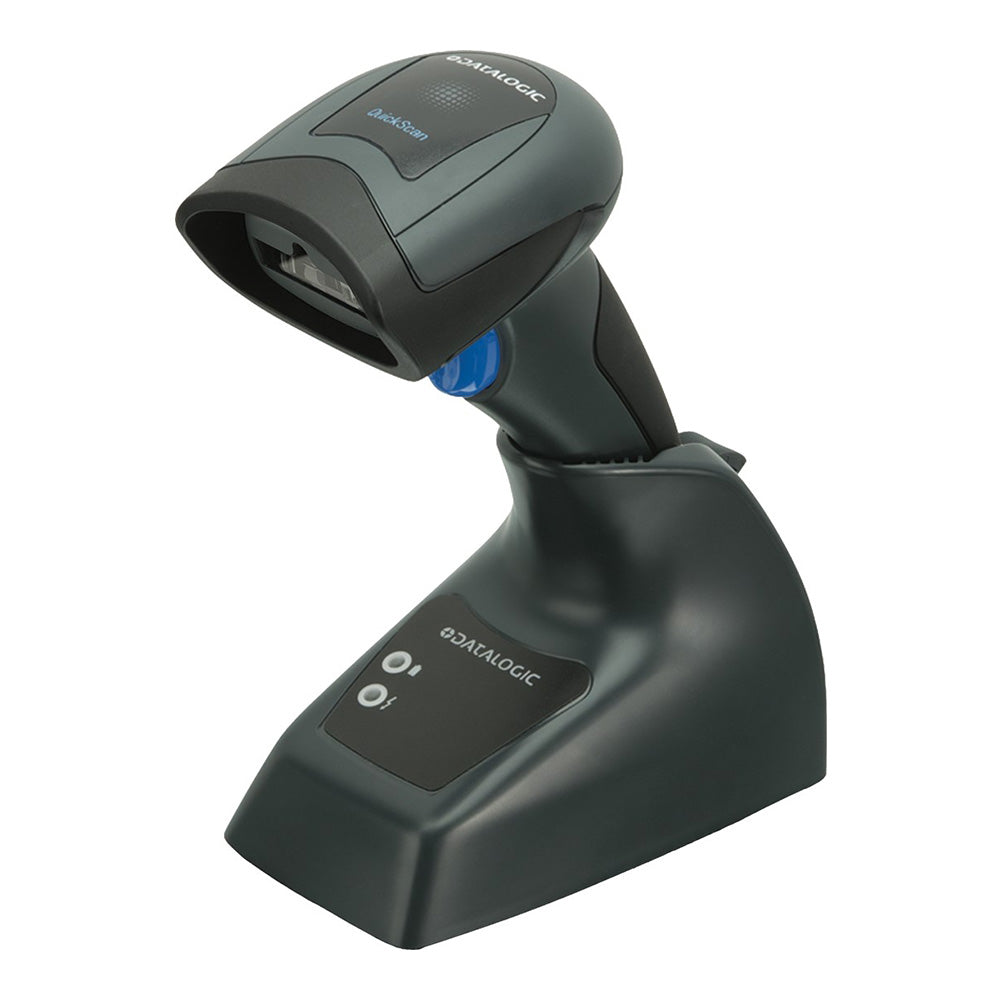
Barcode Scanner
Scanners
1D/2D barcode scanner for fast product identification and inventory management
Popular Brands
Key Specifications
- 1D and 2D barcode support
- Scan speed: 200+ scans/second

Cash Drawer
Accessories
Secure cash drawer with multiple compartments for cash management
Popular Brands
Key Specifications
- Multiple bill compartments
- Coin tray included

Customer Display
Displays
Pole-mounted customer display for transaction details and marketing
Popular Brands
Key Specifications
- 7-9 inch display
- Dual-sided viewing
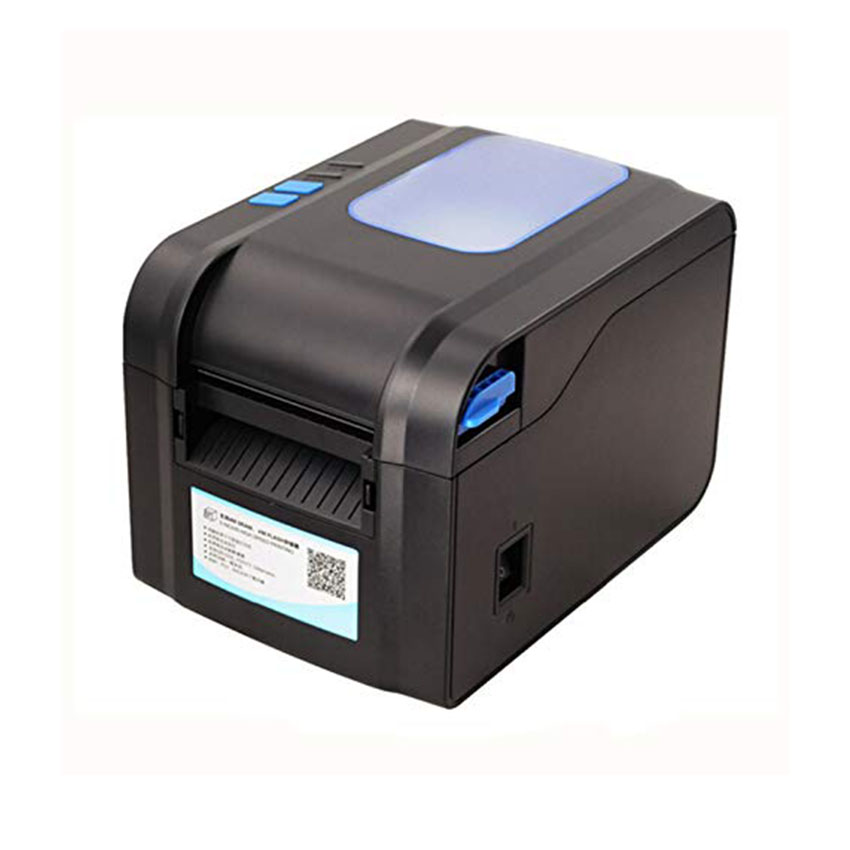
Label Printer
Printers
Thermal label printer for product labels, barcode labels, and shipping labels
Popular Brands
Key Specifications
- Various label sizes supported
- High resolution printing
Thermal Printer Guide
Everything you need to know about thermal printers for your POS system
Paper Sizes & Specifications
80mm Paper (Standard)
- Default size for most POS receipts
- Width: 80mm (3.15 inches)
- Compatible with all major brands
- Best for retail, restaurants, services
58mm Paper (Compact)
- Compact size for mobile POS
- Width: 58mm (2.28 inches)
- Lower paper cost
- Best for small transactions, mobile vendors
Connection Options
Bluetooth Printers
Wireless connection perfect for mobile POS and tablet setups. Range up to 10 meters.
Ethernet Printers
Wired connection for maximum reliability. Best for fixed POS stations and high-traffic areas.
WiFi Printers
Wireless network connection. Good for multiple devices and flexible layouts.
USB Printers
Direct connection with power supply. Most reliable option for single device setups.
Note
Hardware Setup Guide
Follow these steps to set up your hardware with Konect POS
Choose Hardware
Select compatible devices based on your business needs
Connect Device
Use USB, Bluetooth, WiFi, or Ethernet to connect
Configure Settings
Add device in Konect POS settings and configure options
Test & Go Live
Test functionality and start using in daily operations
Need Help Choosing Hardware?
Our experts can help you select the right hardware for your business needs and budget